GTsetu

Understanding Credits

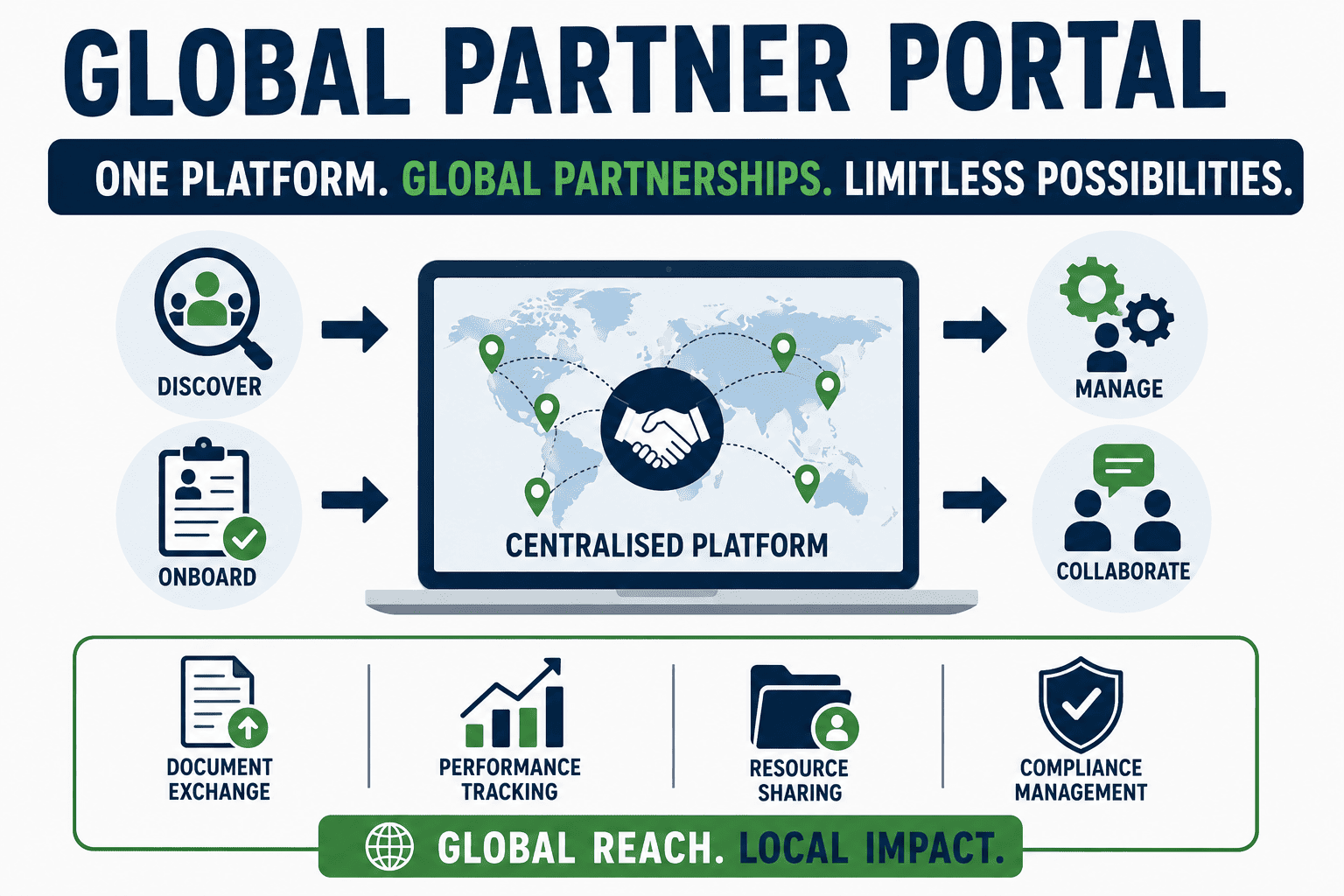
Credits are the platform’s currency for activating collaborations. They are consumed when you initiate a connection with another company. How Credits Work Action Credits Joining Bonus, awarded when you complete your company profile +20 credits Activating a collaboration, expressing interest and confirming −1 credit Each time you click Confirm & Proceed in the Credit Usage … Read more

Expressing Interest & Collaborations

Once your company is verified, you can initiate a collaboration with any company you find on the platform by clicking Express Interest on their profile or from your Shortlist. How to Express Interest Step 1: Find a Company Navigate to the Discover page or open your Shortlist. Find the company you want to connect with … Read more

Applying for Verification (KYB)

Verification is the gateway to full platform functionality. It confirms that your business is legitimate and compliant, and unlocks the ability to connect with other verified companies. The process is called KYB, Know Your Business verification. How to Apply What the Verification Dialog Shows Before you confirm, the dialog displays three key requirements: Requirement Details … Read more

Browsing & Shortlisting Companies

Even before your company is verified, you can explore the Discover section to browse other verified companies on the platform. Use this time to identify potential partners you want to connect with once your verification is approved. The Discover Page Click Discover in the left sidebar to open the company discovery feed. You will see … Read more

Profile Draft Mode

Once you have filled in all required fields and are satisfied with your profile, click the Create Profile button at the top-right of the page. Your company profile is now saved and enters Draft Mode. What Draft Mode Means Draft Mode is an intermediate state, your profile exists on the platform, but your company has … Read more

Images & Documents Tab

The Images and Documents tab is the second tab in the Profile Builder (next to the Company Profile tab). This is where you upload visual and supporting materials that will be visible on your public profile page. Switch to this tab after completing all sections in the Company Profile tab. Images Upload photos that visually … Read more

Personal Details & Verification Documents

This section captures the details of the primary contact person at your company, and collects the documents required for KYB (Know Your Business) verification. Personal Details This information is shared with companies you match with, once a collaboration is activated. Name (Required) Enter your full name as the primary point of contact for collaborations on … Read more

Geography & Markets

This section tells the platform where you operate and which regions you are looking to collaborate in. Geographic filtering is commonly used by companies to find local, national, or regional partners. Headquarters Location, City (Required) Enter the name of the city where your main office or primary production facility is located. Field What to Enter … Read more

Capabilities & Offerings

This section defines your technical and operational capabilities. It is used directly by the platform’s matching algorithm to connect you with the right partners, companies searching for specific manufacturing or service capabilities will find you through these tags. Take time to fill this section thoroughly. It has a significant impact on how often your profile … Read more

Products & Services

This section lets you list what your company offers, both physical products and the services you provide. These listings appear prominently on your public profile and help other companies understand exactly what they can get from working with you. Products Products are physical goods that your company manufactures, supplies, or distributes. How to Add a … Read more