GTsetu

Questionnaire Tab

The Questionnaire tab is where you access and complete the Compatibility Assessment for your collaboration. It is one of the most important features of the Collaboration Workspace, designed to help both companies understand how well-aligned they are before investing further in the partnership. Why the Questionnaire Matters The questionnaire is not a formality, it is … Read more

NDA Tab: Your Auto-Generated Agreement

The NDA tab in the Collaboration Workspace contains the Mutual Non-Disclosure Agreement that GTsetu automatically generates once both parties have completed payment. This agreement establishes the legal framework for confidential information exchanged between the two companies through the platform. What Is a Mutual NDA? A Mutual Non-Disclosure Agreement (Mutual NDA) is a legally binding contract … Read more

Shared Documents Tab

The Shared Documents tab provides a secure, collaboration-specific area where both parties can upload and exchange files. Unlike the images and documents in your company profile (which are general to your account), files shared here are specific to this individual collaboration. Accessing the Shared Documents Tab What You Will See The Shared Documents tab displays … Read more

Overview Tab: Viewing Your Partner’s Profile

The Overview tab is the first tab you see when you open a Collaboration Workspace. It displays your collaboration partner’s complete company profile, the same information they have entered into their GTsetu profile, now fully visible to you within the secured workspace. What Is Displayed Partner Header At the top of the Overview tab, you … Read more

Collaboration Workspace Overview

The Collaboration Workspace is a private, secure environment shared exclusively between your company and your collaboration partner. It becomes available once both parties have completed their credit payments (Stage 4: ACTIVE). Accessing the Workspace You can return to the workspace at any time from the Collaborations section. What the Workspace Contains The workspace is organised … Read more

What is GTsetu?

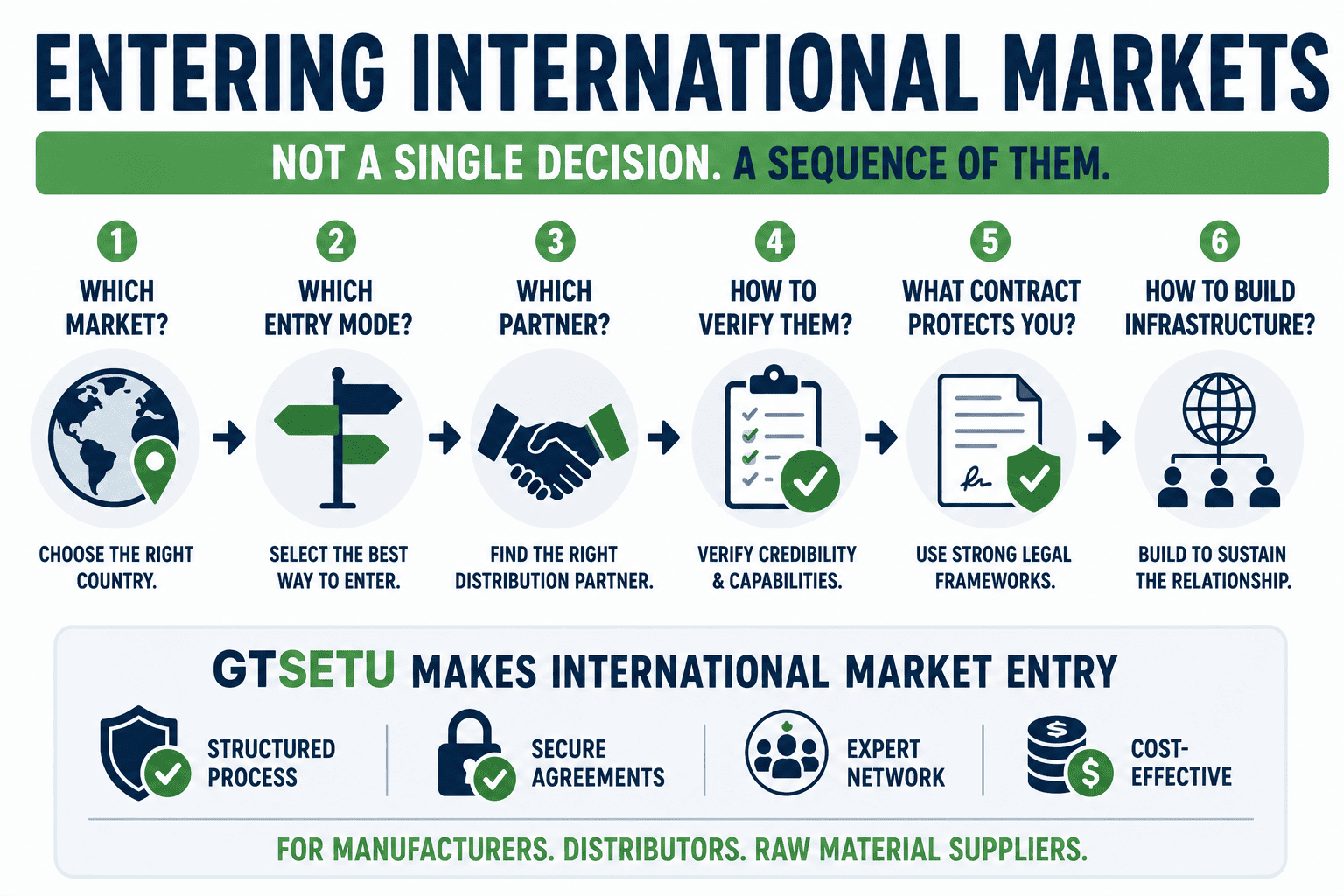
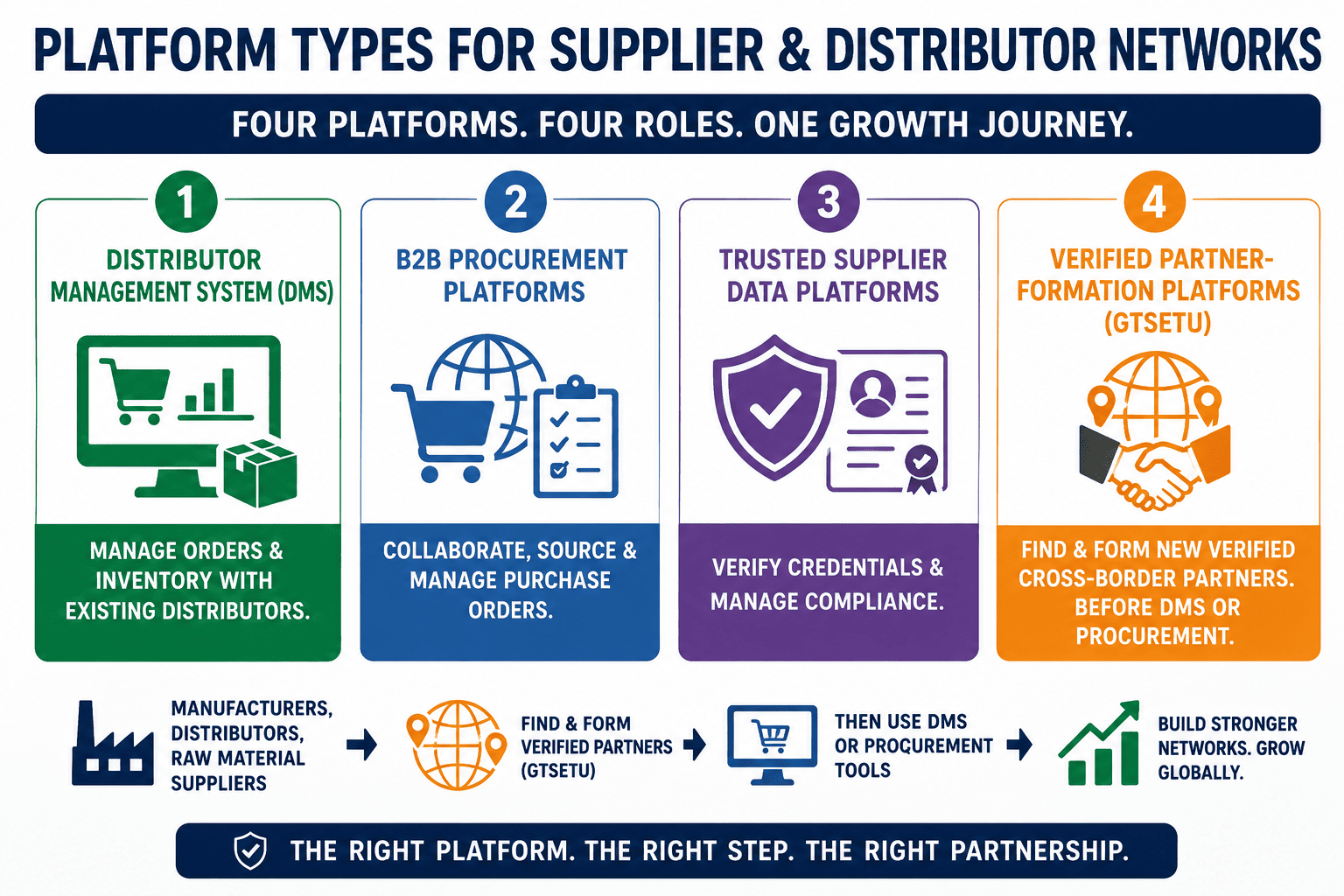
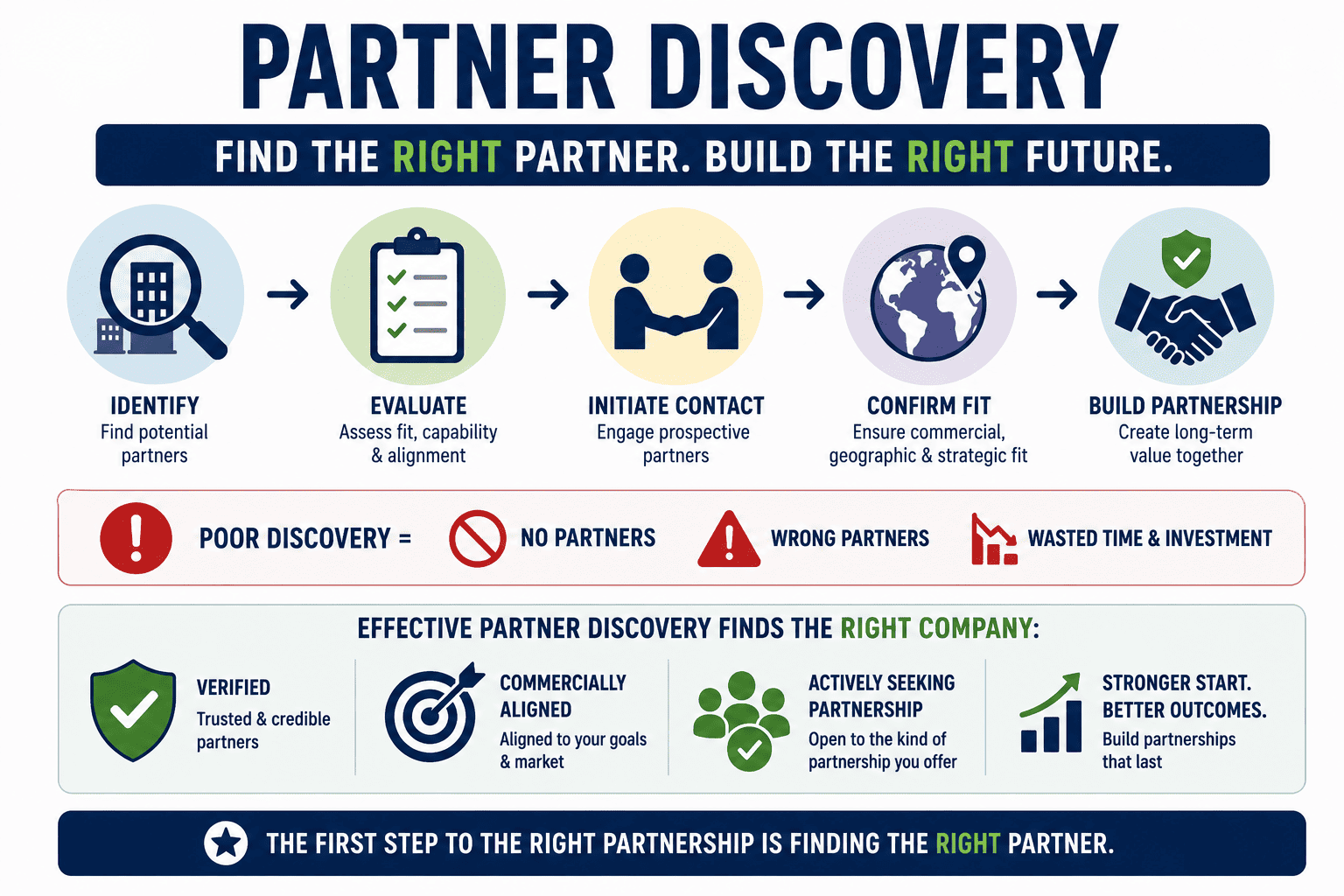
GTsetu is a secure, verified global B2B platform that enables companies to discover potential business partners, exchange confidential information, and manage structured collaborations, all within a single, protected environment. The Problem GTsetu Solves Finding the right business partner across borders traditionally involves cold outreach, unsolicited emails, and sharing sensitive company information before any formal agreement … Read more

Understanding Credits

Credits are the platform’s currency for activating collaborations. They are consumed when you initiate a connection with another company. How Credits Work Action Credits Joining Bonus, awarded when you complete your company profile +20 credits Activating a collaboration, expressing interest and confirming −1 credit Each time you click Confirm & Proceed in the Credit Usage … Read more

Expressing Interest & Collaborations

Once your company is verified, you can initiate a collaboration with any company you find on the platform by clicking Express Interest on their profile or from your Shortlist. How to Express Interest Step 1: Find a Company Navigate to the Discover page or open your Shortlist. Find the company you want to connect with … Read more

Applying for Verification (KYB)

Verification is the gateway to full platform functionality. It confirms that your business is legitimate and compliant, and unlocks the ability to connect with other verified companies. The process is called KYB, Know Your Business verification. How to Apply What the Verification Dialog Shows Before you confirm, the dialog displays three key requirements: Requirement Details … Read more

Browsing & Shortlisting Companies

Even before your company is verified, you can explore the Discover section to browse other verified companies on the platform. Use this time to identify potential partners you want to connect with once your verification is approved. The Discover Page Click Discover in the left sidebar to open the company discovery feed. You will see … Read more